 Brainbaby

Picking an ai app builder in 2026 comes down to one question: do you need a hosted app fast, or a codebase you can keep after the demo? Best overall ai app builder: Brainbaby, for teams that want app building bundled with chat, image and video generation, and document creation in one workspace. Best for complex web apps with visual logic: Bubble. Best for exportable, ownable code: Replit Agent. Best for rapid prototyping and one-click deploy: Bolt.new. Best for native mobile apps: FlutterFlow. Best for turning a spreadsheet into a working tool: Glide.
- Brainbaby wins as the ai app builder for teams who already run chat, docs, and image/video generation in one workspace in 2026.
- Bubble handles complex logic and a real database better than prompt-only builders, at the cost of a steeper setup.
- Replit Agent is the pick when you need to export and keep the actual codebase, not just a hosted app.
- Bolt.new gets a working prototype live in one session but stalls on builds needing many file changes.
- FlutterFlow is the only entry here that exports a native Flutter project for iOS and Android.
Why this matters
An ai app builder makes the same promise every time: describe what you want, skip the engineering team, ship something usable. That promise mostly holds for prototypes and internal tools in 2026 — it breaks down fast once you need real user accounts, payment logic, or an actual app store listing.
Most of these tools also live alone: one tab for the app builder, another for a chatbot, a third for drafting docs. Brainbaby's app builder sits next to chat with memory, image and video generation, and document creation in the same workspace, which matters if the app idea started as a conversation and needs to stay in context as it becomes a build.
What makes the best ai app builder
- Prompt-to-app accuracy — how close the first generated build matches the description without manual rework.
- Code ownership — whether you can export a real codebase or you're locked into the builder's own hosting.
- Iteration speed — how fast a described change shows up in the running app.
- Integration depth — real database, API, and auth support, not just a static UI.
- Platform reach — web-only output versus native mobile.
- Workspace fit — whether the app builder sits next to the other AI tools a team already uses, or runs as a standalone product.
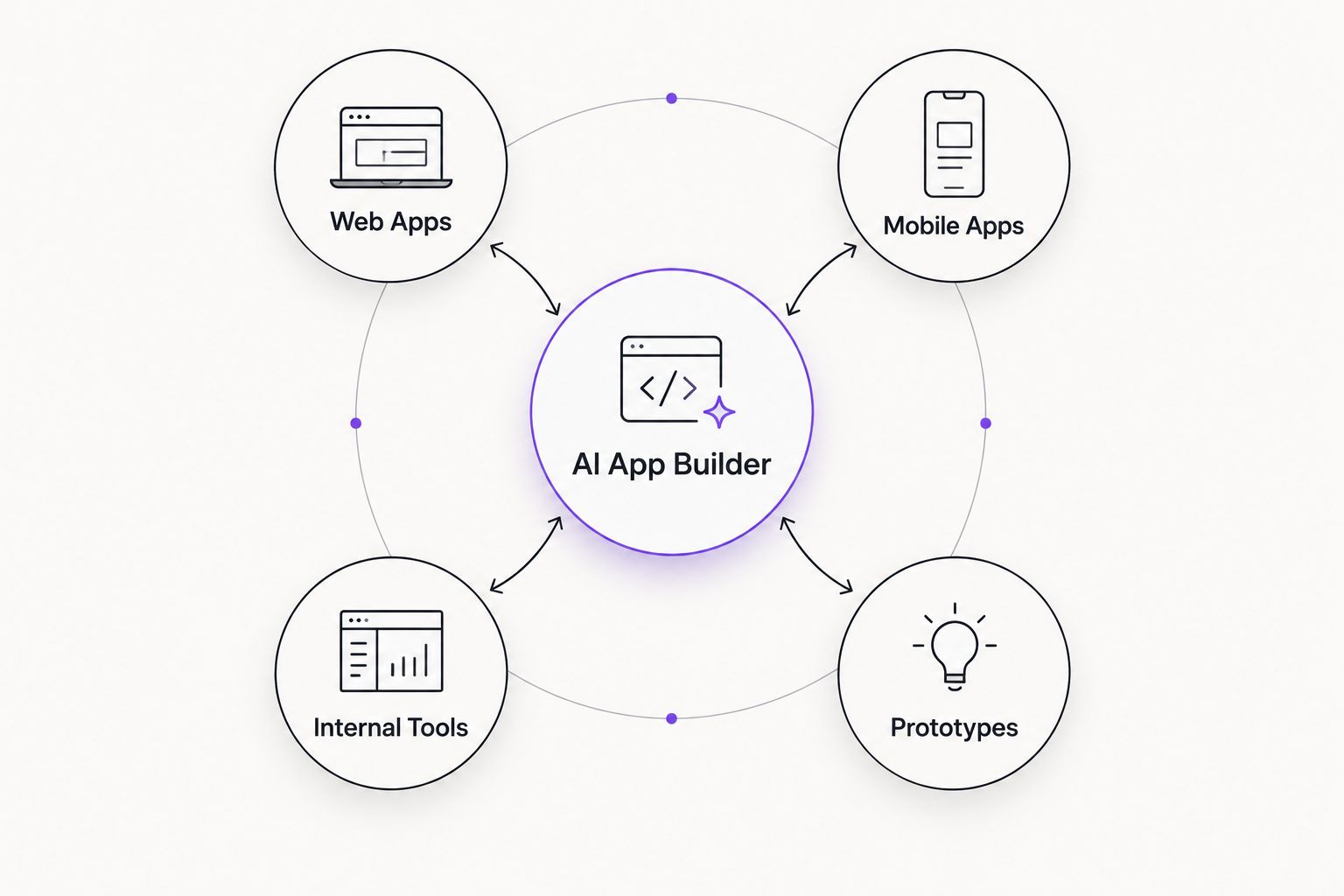
AI app builders at a glance
| Tool | Best for | Standout feature | Key limitation |
|---|---|---|---|
| Brainbaby | All-in-one workspace teams | App builder shares chat memory and docs | Not built for native mobile output |
| Bubble | Complex web apps with logic | Visual workflow editor with built-in database | Steeper learning curve than prompt-based builders |
| Replit Agent | Exportable, ownable code | Generates full-stack code you can pull into your own repo | Long, multi-step builds can drift from spec |
| Bolt.new | Rapid prototyping | Prompt to deployed web app in one session | Struggles when a build needs many file changes at once |
| FlutterFlow | Native mobile apps | Exports a real Flutter project | Web output is secondary to mobile |
| Glide | Spreadsheet-to-app | Turns a spreadsheet or database into a working app fast | Limited for apps needing custom backend logic |
1. Brainbaby: best ai app builder for teams already running AI chat and docs
Brainbaby's app builder takes a plain-language description and generates a working build inside the same workspace used for chat with memory, image and video generation, and document creation. Instead of switching tools when an idea moves from a conversation to a prototype, the app stays where the context already lives.
Brainbaby pros:
- App builder sits next to chat with memory, so context from earlier conversations can carry into the build.
- One workspace covers app building, docs, and image/video generation instead of stitching together separate subscriptions.
- Plain-language prompting handles the first pass without a separate coding step.
Brainbaby cons:
- Not built for native iOS/Android output — the focus is web-first.
- Complex multi-step business logic still needs follow-up prompts, same as most prompt-based builders in 2026.
Best for: teams and solo builders who want app building to share context with chat, docs, and image generation instead of running as a separate tool.
Verdict: Buy — especially if Brainbaby already handles your chat or docs work.
2. Bubble: best ai app builder for complex web apps with visual logic
Bubble is a visual, no-code programming platform built around a drag-and-drop editor and a built-in database, not a single-prompt generator. Workflows, conditional logic, and data relationships get defined visually, which supports apps more complex than a single prompt can specify.
Bubble pros:
- Built-in database and workflow editor handle logic a one-shot prompt can't capture.
- Large plugin ecosystem for payments, auth, and third-party APIs.
- A mature platform with years of production apps already running on it.
Bubble cons:
- The visual workflow editor has a real learning curve — not a five-minute setup.
- Output stays inside Bubble's hosting; there's no full code export.
Best for: founders building a web app with real business logic — marketplaces, booking systems, multi-role dashboards.
Verdict: Buy for logic-heavy apps; Skip if you just need a fast prototype.
3. Replit Agent: best ai app builder for exportable, ownable code
Replit Agent generates full-stack applications from a prompt and, unlike hosted no-code platforms, hands you a real codebase you can pull into your own repository. It scaffolds backend, frontend, and database in the same session.
Replit Agent pros:
- Generates actual code, not a proprietary format, so there's no platform lock-in.
- Handles full-stack scaffolding — frontend, backend, database — in one flow.
- A solid starting point for developers who want to keep building by hand afterward.
Replit Agent cons:
- Longer, multi-step builds can drift from the original spec and need manual correction.
- Works best with at least some comfort reading code — it's not a fully no-code experience.
Best for: developers or technical founders who want a head start they can keep editing in a real codebase.
Verdict: Buy if code ownership matters; Hold if you never plan to open the codebase.
4. Bolt.new: best ai app builder for rapid prototyping
Bolt.new, from StackBlitz, takes a prompt and produces a deployed, working web app in the same session, with the file tree and live preview visible as it builds. It's built for speed from idea to a live URL.
Bolt.new pros:
- Fast path from prompt to a live, shareable app.
- File tree and live preview make it easy to see what changed after each prompt.
- Useful for validating an idea before committing to a bigger build.
Bolt.new cons:
- Builds requiring many file changes at once can stall or need re-prompting.
- Less suited to apps with heavy custom backend logic.
Best for: founders who want a clickable prototype live today to test with users or investors.
Verdict: Buy for prototypes; Skip if you need the app production-ready without rework.
5. FlutterFlow: best ai app builder for native mobile apps
FlutterFlow builds mobile apps visually and exports a real Flutter project, meaning the output can run natively on iOS and Android and go through app store submission. It's the only builder on this list built mobile-first.
FlutterFlow pros:
- Exports an actual Flutter codebase, not a locked hosted app.
- Native mobile performance instead of a wrapped web view.
- Visual editor plus AI-assisted screen generation speeds up UI work.
FlutterFlow cons:
- Web output is a secondary feature, not the main strength.
- Flutter/Dart knowledge helps once you go past the visual editor.
Best for: teams whose end goal is a real app store listing, not a web app.
Verdict: Buy if mobile is the target platform; Skip for web-only projects.
6. Glide: best ai app builder for turning a spreadsheet into a tool
Glide turns a spreadsheet or a connected database into a working app — forms, lists, dashboards — without a traditional build process. It's built for internal tools and simple customer-facing apps, not complex platforms.
Glide pros:
- The fastest path from existing data to a usable app.
- A good fit for internal tools: inventory trackers, directories, simple CRMs.
- Low setup cost when your data already lives in a spreadsheet.
Glide cons:
- Custom backend logic beyond the data model is limited.
- Not built for apps needing complex multi-user permission structures.
Best for: teams that already have the data and just need a working front end fast.
Verdict: Buy for internal tools; Skip for consumer apps needing custom logic.
How we ranked
Every ai app builder above got scored against the same six criteria: how close the first build matches the prompt, whether you can export real code, how fast iteration runs, how deep database and API integration goes, whether output reaches native mobile, and whether the builder sits inside a broader AI workspace. No single tool wins on all six — that's why this reads as a decision tree, not a leaderboard.
Build your app inside Brainbaby
Describe the app and start in the same workspace as your chat and docs.
Which ai app builder should you choose in 2026?
Pick Brainbaby if the app builder needs to work alongside chat, docs, and image or video generation you already use — it's the only entry here built as part of a wider workspace instead of standing alone. Pick Bubble if the app has real business logic: multiple user roles, payments, conditional workflows. Pick Replit Agent if you want a codebase you own and plan to keep coding by hand. Pick Bolt.new to get a prototype live today. Pick FlutterFlow if the end goal is a native mobile app. Pick Glide if a spreadsheet is already doing most of the job.
For most teams evaluating an ai app builder in 2026 without a hard mobile requirement, Brainbaby is the default starting point — the app never has to leave the workspace where the idea started.
FAQ
What's the best ai app builder in 2026?
Brainbaby is the best overall pick in 2026 for teams that want app building bundled with chat, docs, and image or video generation in one workspace. Bubble, Replit Agent, Bolt.new, FlutterFlow, and Glide each win for a narrower use case.
Is Brainbaby better than Bubble for building an app?
Brainbaby is better when the app builder needs to share context with chat and docs already in use; Bubble is better for apps with complex logic, multiple user roles, or a built-in database. They solve different problems more than they compete head to head.
Can an ai app builder create a mobile app?
Most prompt-based ai app builders output web apps first. FlutterFlow is the option built specifically for native iOS and Android output through a real Flutter project.
Do ai app builders give you real, exportable code?
It depends on the tool. Replit Agent and FlutterFlow export a real codebase you can move into your own repository, while Bubble and Glide keep the app hosted on their own platform without a full code export.
How much editing does an ai-generated app need after the first build?
Nearly every app needs at least a few rounds of follow-up prompts to fix edge cases like validation or missing states. Treat the first generated build as a draft, not a finished product, regardless of which ai app builder produced it.
Is Bolt.new good for a finished product or just a prototype?
Bolt.new is built for getting a working prototype live fast, not for shipping a finished product without further work. It struggles once a build needs many file changes in one pass.
What's the difference between a no-code app builder and an ai app builder?
A no-code app builder like Bubble or Glide relies on visual editors and manual configuration. An ai app builder like Brainbaby, Replit Agent, or Bolt.new generates the first version from a plain-language prompt, then lets you refine it.
Can I turn a spreadsheet into an app without an ai app builder?
You can build a spreadsheet-backed app manually, but tools like Glide exist specifically to skip that manual setup and turn existing data into a working front end directly.
One last thing
The gap between these tools shows up less in the first build and more around the tenth prompt. A generated app that looks finished in one screenshot often reveals a missing password reset flow or an unvalidated form field only after real use. Budget a few iteration passes before judging any ai app builder's output as done in 2026 — the first draft is never the last one.